AI Workflow Automation: 7 SaaS Workflows to Automate Now
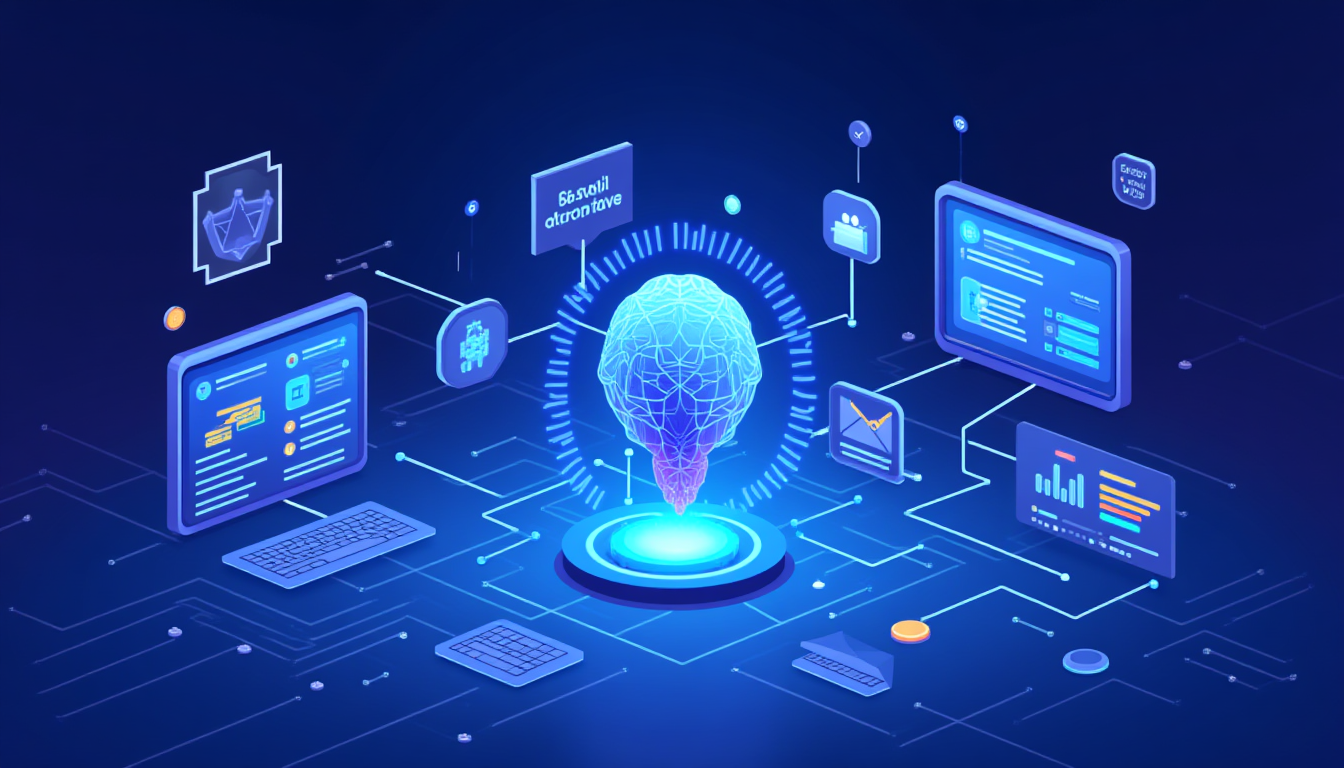
US businesses are quietly turning their SaaS stacks into self-driving systems, where AI handles repetitive workflows in the background while humans focus on decisions and strategy. The shift is fastest in small and mid-sized companies that rely heavily on cloud tools and aim to automate manual work, minimize errors, and outpace competitors.
Why AI workflow automation is exploding
AI workflow automation has evolved from “nice to have” to “must have” because modern teams spend their entire day living inside SaaS apps, including CRMs, help desks, project tools, finance platforms, and HR portals. Every click, export, and manual update across those tools creates friction, so connecting them with AI-powered automation instantly unlocks speed, consistency, and better data.
Unlike old-school rule-based automation, AI SaaS automation can read unstructured data, understand intent, and make context-aware decisions. That means it can handle tasks like interpreting emails, classifying tickets, scoring leads, or approving routine expenses without constant human babysitting.
For US businesses, this is more than a tech upgrade—it is a cost and competitiveness issue. Teams using AI workflow automation report faster project delivery, fewer manual errors, and measurable ROI within months. This is exactly why a SaaS workflow automation, AI workflow tools, and AI-powered integrations are some of the most searched concepts in the business automation space right now.
1. Lead capture and CRM workflows
One of the first places US companies automate with AI is the lead capture and CRM workflow. Instead of manually copying leads from forms, emails, or LinkedIn into a CRM, AI automation tools can capture, clean, enrich, and route leads automatically.
A typical AI-powered CRM workflow looks like this:
- New lead comes in from a form, ad campaign, or chat.
- AI checks the data, enriches it with company and role info, and scores the lead.
- Based on that score, the system assigns the lead to the right sales rep, triggers a personalized email sequence, and sets follow-up tasks in the CRM.
Platforms like Zapier AI, Make, n8n, and dedicated AI sales tools now bundle this kind of logic into ready-made recipes for small and mid-sized US businesses. This kind of AI CRM automation improves conversion rates, reduces lead leakage, and ensures that sales teams spend time on qualified prospects instead of data entry.
2. Sales outreach and follow-up sequences
Sales outreach is another high-impact workflow where AI automation is saving hours every week. Instead of manually writing every cold email and tracking replies in spreadsheets, businesses use AI outreach tools to personalize messages, schedule sequences, and sync engagement data back to the CRM.
Here is how AI sales workflow automation typically works:
- AI scans CRM records or LinkedIn profiles to generate tailored outreach messages.
- The system automatically sends multi-step sequences, adjusts timing, and pauses when a lead replies.
- Replies get analyzed by AI to detect intent (interested, not now, unsubscribe), and leads move to the correct stage in the pipeline.
By combining AI email writing, smart scheduling, and CRM automation, US businesses are getting more replies with fewer manual touches. This is why “AI sales automation”, “AI outreach workflow”, and “SaaS sales automation tools” are becoming popular low-competition focus keywords for B2B marketing content.
3. Marketing campaigns and content operations
Marketing teams rely on multiple SaaS tools—email platforms, ad dashboards, web analytics, social media, and content calendars. Without automation, marketers waste time exporting CSVs, updating sheets, and copying the same information everywhere.
AI workflow automation now connects these tools end to end:
- When a blog post is published, AI can automatically repurpose it into email snippets, social captions, and short-form content drafts.
- Campaign data from ad platforms and analytics tools can flow into dashboards, where AI flags underperforming ads or landing pages.
- Marketing automation tools can trigger nurture sequences based on behavior—opens, clicks, page visits—without manual segmentation.
Modern AI marketing stacks often combine workflow platforms (Zapier AI, Make, Whalesync), SaaS tools (HubSpot, ActiveCampaign, Webflow, Shopify), and AI content assistants. This “AI marketing automation” approach gives US businesses more campaigns, better personalization, and consistent reporting with fewer people.
4. Customer support tickets and help desk automation
Customer support is a natural fit for AI and automation because it is full of repetitive tasks and common questions. Instead of routing and responding to tickets one by one, companies use AI help desk automation to triage, answer, and escalate intelligently.
A typical AI support workflow:
- AI chatbots handle FAQs on websites and inside apps, answering instantly or collecting information before handing off to humans.
- Tickets get automatically categorized, prioritized, and routed to the right team based on sentiment, topic, and customer value.
- After a conversation ends, AI drafts summaries, updates CRM records, and triggers follow-up emails or satisfaction surveys.
Tools in this space range from AI-native platforms to add-ons layered on top of Zendesk, Intercom, or Freshdesk. For US businesses, automating help desk workflows improves response time, reduces support load, and keeps customer data up to date across systems.
5. Finance, invoicing, and approvals
Finance and operations teams also benefit from AI workflow automation, especially around recurring processes like invoicing, expense approvals, and subscription management. These workflows used to involve many emails and spreadsheet updates; now, AI and SaaS tools can handle them end to end.
Common finance automation workflows include:
- Automatically generating invoices when a deal reaches “Closed-Won” in the CRM, then sending them via an accounting tool and logging payments.
- Using AI to read receipts and invoices, extract data, and match them against expense policies, routing exceptions for human review.
- Running recurring billing and subscription workflows in SaaS businesses with automatic dunning, failed-payment recovery, and churn alerts.
By plugging AI workflow automation into CRMs, billing platforms, and accounting SaaS products, businesses reduce manual finance work, improve cash flow visibility, and enforce consistent processes.
6. HR, hiring, and onboarding
HR workflows involve a lot of repeatable steps—screening candidates, scheduling interviews, sending documents, assigning accounts, and tracking training. AI and automation tools now handle many of these tasks, especially in US companies that hire frequently or work in distributed teams.
Examples of AI HR automation:
- AI bots screen resumes, highlight matching candidates, and pre-rank them based on job requirements.lindy+1
- Scheduling tools check calendars, propose interview slots, send invites, and reminders automatically.
- When someone gets hired, onboarding workflows create accounts in core SaaS tools, send welcome emails, and enroll them in training playlists.
This kind of “AI HR automation” helps US teams move faster, offer a smoother candidate experience, and avoid losing top talent due to slow manual processes.
7. Internal knowledge, projects, and task management
The last major category is internal operations—projects, tasks, documentation, and collaboration. Modern teams use tools like Asana, Monday.com, Notion, ClickUp, or Jira, and AI is starting to connect, summarize, and update these tools automatically.
Typical AI project workflow automation:
- AI generates meeting summaries, extracts action items, and pushes tasks into project boards with owners and due dates.
- Status reports are drafted automatically from task updates, comments, and commit messages.sanalabs+1
- Workflows notify the right people when tasks move, dependencies are blocked, or SLAs are at risk.
Some platforms now offer built-in AI “project copilots” that act like internal agents, watching your workflows and nudging teams at the right time. For US businesses, this reduces the need for manual check-ins and reporting while keeping projects on track.
Choosing the right AI workflow SaaS tools
Because there are so many AI automation tools, picking the right stack matters. US companies typically look at factors like security, integration depth, no-code vs low-code, and pricing before standardizing on a workflow platform.
Some key categories include:
- All-in-one AI workflow builders
Tools that let non-developers build complex workflows across apps with drag-and-drop interfaces and AI assistance. - Specialized SaaS automation tools
Platforms focused on specific domains like sales, marketing, support, or finance, often with opinionated templates and industry best practices built in. - Low-code and developer-focused automation
Systems designed for technical teams that want fine-grained control over data flows, APIs, AI agents, and custom integrations.
The common pattern is this: companies start with one or two high-impact workflows, prove the value, and then expand automation across departments.
How to start turning manual chaos into self-driving SaaS
If your current workflows live in spreadsheets, email threads, and scattered SaaS apps, the path to “self-driving SaaS” does not have to be complex. The most successful US teams follow a simple playbook.
- Identify high-friction workflows
Look for processes with a lot of copy-paste, handoffs, and repeated steps—lead management, customer onboarding, invoices, or support tickets. - Map the tools and data
List which SaaS tools are involved (CRM, help desk, billing, project management) and what data moves between them. - Start small with one automation
Build or adopt a single AI-powered workflow—like automatic lead routing or ticket triage—and measure the time saved and error reduction.diaflow+1 - Standardize and scale
Once the first automation works, document it, make it part of your standard operating procedure, and expand to similar processes in other teams.
Over time, your SaaS stack begins to behave less like a loose collection of apps and more like a connected, AI-assisted operating system for your business. That is the real promise of AI workflow automation: less manual chaos, more clarity, and a business that keeps moving even when you are not watching every step.